Plan your next Dragonborn before you leave Helgen. Pick a race and a standing stone, click your way through every perk tree, choose weapons and armor from the Tamriel Saga item database, and the planner works out which character level and skill levels the build needs. Every build gets its own link that you can save or share.
Loading the build planner…
How to use the build planner
- Character. Open Character to pick a race, a standing stone and a condition such as Vampire or Werewolf. Hover over or hold a choice to see its bonuses. Your race decides which skills begin above 15, and every stone links to its location on the interactive map.
- Perks. Pick a skill tree from the row of trees, or use the arrows above the constellation. On a phone you can also swipe across the tree to move to the next one. Click or tap a perk to add a rank. On a computer, right-click removes a rank. On a phone, tapping a full perk resets it, and holding a perk shows what it does. A perk can only be taken when a connected perk below it is already taken, just like in the game.
- Gear. Tap a slot to search weapons and armor from Skyrim, Dawnguard and Dragonborn. You see damage or armor rating, weight, value and any unique enchantment, and you can improve and enchant the gear with your Smithing and Enchanting levels.
- Follow your build. The summary shows the character level and skill levels the build needs. On a phone, the bar at the bottom of the planner keeps your level and perk count in view, and Summary jumps to the full overview.
- Share. The planner saves your build in your browser automatically. Use Share build to get a link for a friend or a forum and to add the build to Community Builds, or Save image to download a picture of it.
How perks, levels and skills work in Skyrim
You get one perk point every time your character levels up. The planner adds up the perks in your build and shows the lowest character level that gives you enough points. Perks in the Vampire Lord and Werewolf trees from Dawnguard are not bought with level-up points. You unlock them by feeding in beast form, so the planner lists them separately and leaves them out of the level count.
Most perks also need a minimum level in their skill, for example 30, 60 or 90. The Skill levels needed list shows the highest requirement in each tree you use. Every skill starts at 15, and your race raises some of them before you begin.
Each level-up also lets you raise Health, Magicka or Stamina by 10. Use the sliders to split those level-ups the way you plan to play.
Frequently asked questions
Does the planner include Dawnguard perks?
Yes. The Vampire Lord and Werewolf trees from Dawnguard are included, read straight from the game files together with every other perk tree.
Where does the perk data come from?
All perk names, descriptions, ranks and skill requirements come from the game data of Skyrim and Dawnguard. Weapons and armor are read from the game files of Skyrim, Dawnguard and Dragonborn, with stats, smithing perks and unique enchantments, and link to the full item pages here on Tamriel Saga.
Does the planner include Dragonborn gear?
Yes. Stalhrim, Nordic Carved, Chitin, Bonemold and Morag Tong gear is in the planner, together with unique items such as Deathbrand, Ahzidal’s armor, the Dragon Priest masks Ahzidal, Dukaan and Zahkriisos, Miraak’s gear, the Frostmoon rings and Bloodskal Blade. The Dragonborn shouts Bend Will, Dragon Aspect, Cyclone and Battle Fury can also be added to your build.
Is my build saved?
Your latest build is kept in your browser on this device. To keep several builds, copy the share link for each one and bookmark it.
Does it account for Legendary skills?
No. The level count assumes you never make a skill Legendary. Resetting a skill to Legendary gives back its perk points, so builds that use it can reach more perks than the planner shows.
Want to dig deeper? Read our leveling guide, compare Vampire Lord and Werewolf, browse all skills and perk trees or open the Skyrim hub.
Related on Amazon
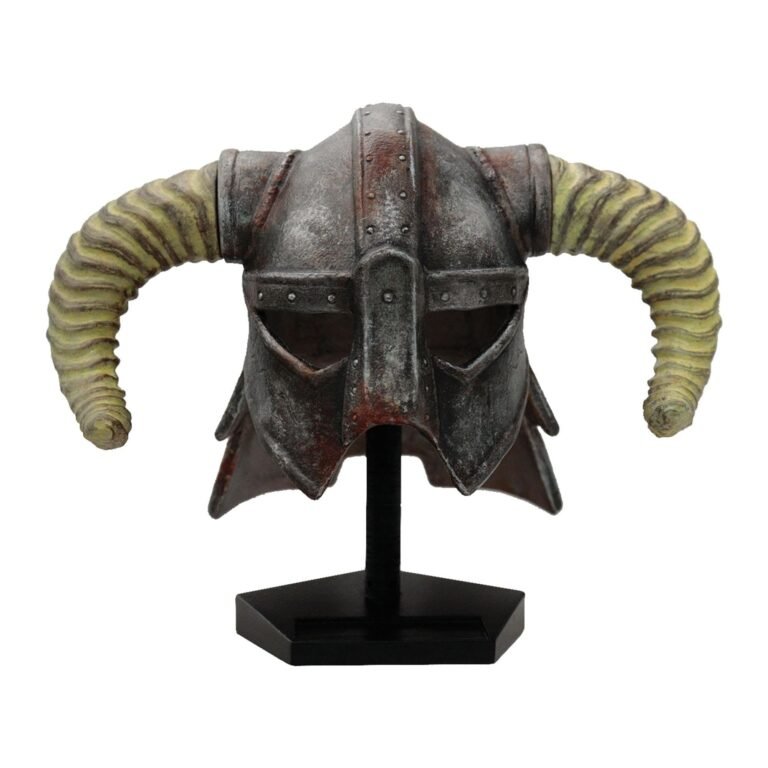
A numbered, officially licensed replica of the iconic horned helmet. The kind of thing that makes a desk say "Dovahkiin lives here".
View on Amazon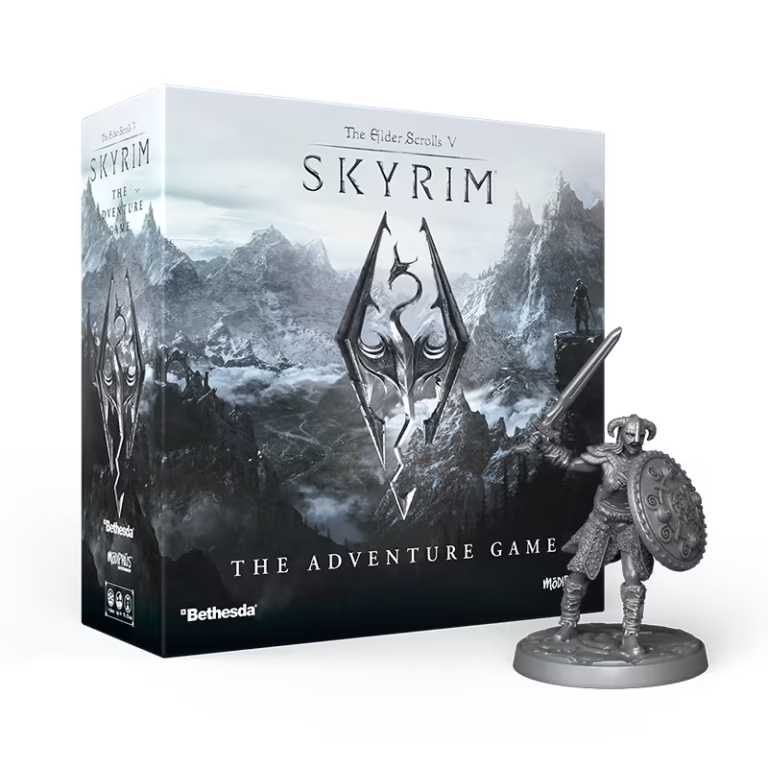
Modiphius' official co-op board game: explore Skyrim, take on quests and fight dragons with up to four friends around the table.
View on AmazonAs an Amazon Associate we earn from qualifying purchases.