Search every item code in Skyrim, Dawnguard, Hearthfire and Dragonborn in one place. The database above holds more than 10,000 entries – weapons, armor, spells, books, ingredients, potions, keys, perks and named characters – with the exact form ID and a ready-made console command you can copy with one click. Below it you will find the console commands players use most, explained in plain English.
How to use the console in Skyrim
The console is only available in the PC versions of Skyrim (Legendary Edition, Special Edition and Anniversary Edition). Press the ~ key (the key left of 1, on Nordic keyboards usually § or ½) to open it, type a command and press Enter. Press the same key again to close it. Commands are not case sensitive.
Always make a normal save before you experiment. Some commands, especially ones that change quest stages or remove items, can break quests in ways that are hard to undo.
How to read the item codes
- player.additem <ID> <amount> puts an item straight into your inventory, for example
player.additem 0000000F 1000for 1,000 gold. Set the amount box above and every command updates. - player.addspell <ID> teaches you a spell or power instantly.
- player.addperk <ID> gives you a perk without spending a perk point. Add perks in tree order, or some may not work as expected.
- player.placeatme <ID> 1 spawns a copy of a character next to you. For unique characters this creates a duplicate, so it is better used for testing than for bringing someone back.
Codes from the add-ons start with the plugin’s place in your load order. With the standard order – Skyrim, Update, Dawnguard, Hearthfire, Dragonborn – Dawnguard items start with 02, Hearthfire with 03 and Dragonborn with 04, and that is what the database shows. If you use mods that change your load order, replace the first two digits with the number your mod manager shows for that plugin.
The most useful Skyrim console commands
Character and skills
tgm– god mode: no damage, and unlimited magicka, stamina and carry weight. Type it again to turn it off.player.setlevel 50– sets your character level.player.setav onehanded 100– sets a skill to a value. Skill names: onehanded, twohanded, marksman (Archery), block, smithing, heavyarmor, lightarmor, pickpocket, lockpicking, sneak, alchemy, speechcraft (Speech), alteration, conjuration, destruction, illusion, restoration, enchanting.player.advskill smithing 1000– adds skill experience instead, so the levels count towards your character level.player.modav carryweight 500– raises how much you can carry.showracemenu– reopens character creation. Changing race this way can reset your skills, so save first.
World and travel
coc riverwood– “center on cell”: teleports you to a location by its cell name.coc qasmoketakes you to the developers’ test hall with every item in the game.tmm 1– shows all map markers on your world map. Pair it with our interactive Skyrim map to see what each place holds.tcl– no-clip: fly through walls and terrain. Handy when you are stuck.tfc– free camera, andtmhides the menus – together they make great screenshots.unlock– click a locked door or chest with the console open, then type this.
Characters and quests
tai– toggles AI for everyone, freezing the world around you.killandresurrect– click a character first. Resurrecting a quest character does not always restore their quests.sqs <quest ID>– lists the stages of a quest, andsetstage <quest ID> <stage>moves it forward. This is the usual fix for a stuck quest, but it can skip rewards or scripts, so use it with care.help "iron sword"– searches the game itself for anything matching the text, if you need a code that is not in our list.
Frequently asked questions
Can I use console commands on Xbox, PlayStation or Switch?
No. The console only exists in the PC versions of Skyrim.
Where do these codes come from?
We read them straight from the Skyrim, Dawnguard, Hearthfire and Dragonborn game files, together with each item’s stats. Many items exist in several variants – enchanted versions, quest copies and so on – and they are listed separately with their own codes. Where we have a full guide for an item or character, its name links to it.
What is the code for gold and lockpicks?
Gold is 0000000F and lockpicks are 0000000A, so player.additem 0000000F 5000 gives you 5,000 gold and player.additem 0000000A 50 fifty lockpicks.
Related on Amazon
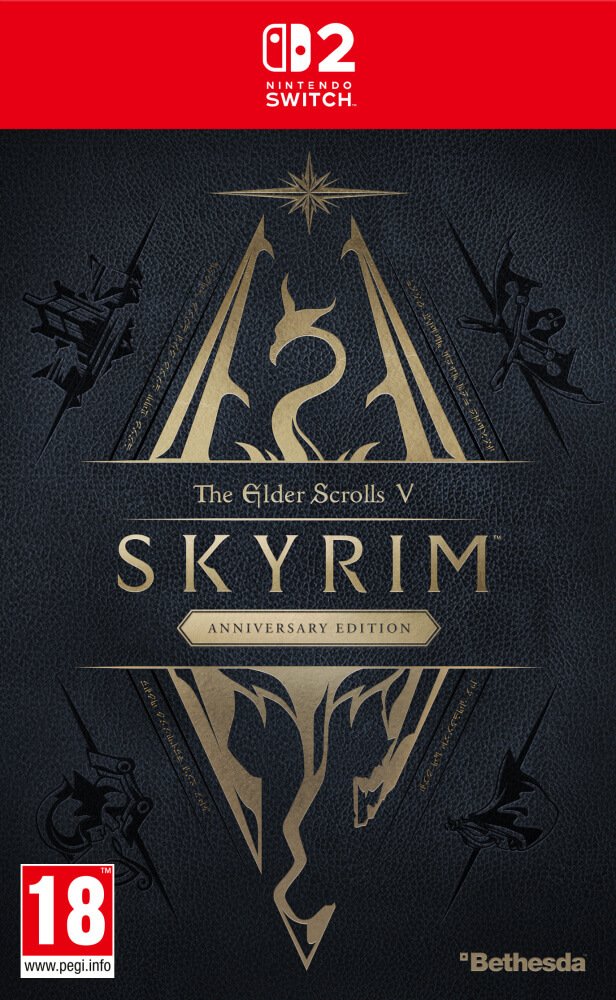
Skyrim with all three expansions and the Creation Club extras, ready to play on Switch 2. One more trip to Skyrim never hurt anyone.
View on AmazonAs an Amazon Associate we earn from qualifying purchases.